

UltraEdit 24.2
Rich text editor that provides syntax highlighting and code folding options
Program info
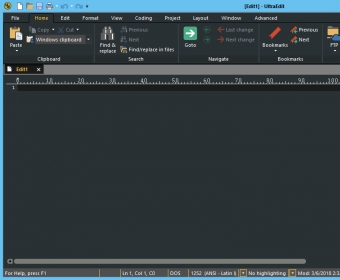
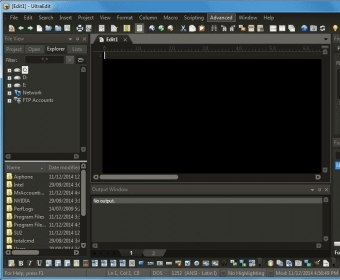

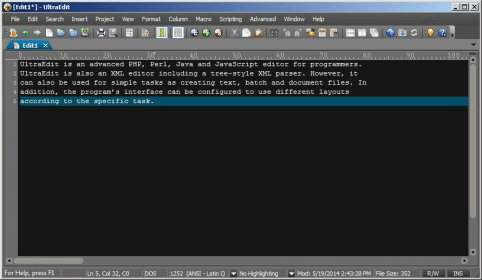


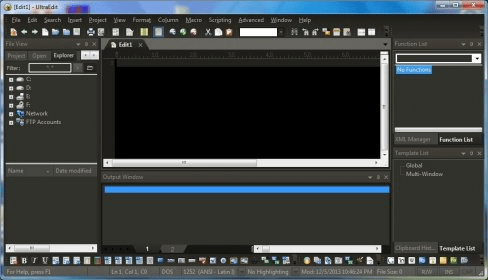

UltraEdit is a complete text editor mostly used by professionals in web development and programming, but which can be used by regular individuals as a more complex substitute for Notepad.
It's appreciated by professionals because it offers unique features such as syntax highlighting for nearly every programming language, code folding, and hierarchical function listing and a powerful XML handler.
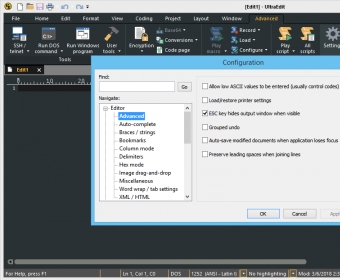
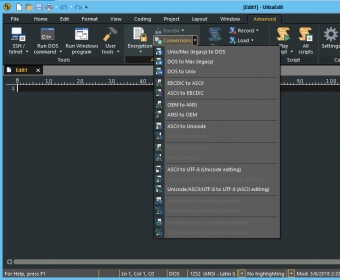
GUI provides multiple customizations options, such as selection of theme, layout, menu type and other minor settings. The interface has many sections, with lots of features displayed in the menu bar, and a novice user may feel overwhelmed.
Thankfully, the program has a help file where you'll find guidance on any issues you encounter.
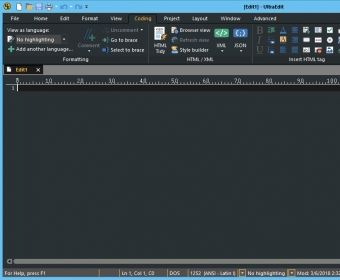
Next, to continue the idea from the beginning, UltraEdit supports syntax of various programming languages, such as HTML, PHP, XML, JavaScript, Perl, HEX or Java.
You'll also find a powerful and intuitive-caret editor, so once your cursor is where you want in to be, you can copy, cut, paste and delete just the same as you normally would.
Moreover, it has a search bar that can help you search across files, find expressions or just a simple word.
Additionally, if you need to make quick edits to a file on a server, UltraEdit's integrated FTP capabilities and SSH/Telnet make it easy to work with remote files and interact with servers from a single application.
To summarize, if you want a complex text editor, that uses low memory resources, you can take a shot with UltraEdit.
Pros
- Supports various programming languages
- Offers integrated FTP capabilities
- Has an intuitive-caret editor
- Provides multiple customizations options
Cons
- The interface can be confusing


Related software

Convert batches of videos to mobile supported formats.

Powerful and comprehensive IDE for Java.

An advanced tool to find broken links on web sites.
Related stories
See all
We've rounded up the top 4K video editing solutions for Windows. So, if you haven't picked the one to suit you best yet, you're very welcome to explore our selection.

Unfortunately, Microsoft didn't give us any official information about when or if the game itself will be coming to Windows 10.

Want to make sure that you don't have any spelling errors in the texts that you type? Here are some of the best tools to help you out:



Have a lifetime license.
Love this product.
By far superior to every other editor in the market.
Thank you Ian Mead.
I don't ever want to think with career life without UE.
God Bless you, the team and family.
Bob.Fox More
It has all the functionality you may dream of when considering a text editor: selection by columns, text color by programming language, MDI, etc.
One weakness: unable to display the HEX version of a file stored in UTF-8 on the disk! More